01Generate
Describe the subject, setting, and light. Start with a simple idea.
PhotoAgent
Create & Edit Photos With an AI Agent
Describe what you want or upload a photo. PhotoAgent creates it, then helps you refine every detail through conversation.
 Text to Image
 Photo Editing
 Portrait Retouch
 Product Photos
Preparing your workspace
Create a photo from an idea, upload an image to edit, or keep refining your latest result through conversation.
Example conversation
“Create a cinematic portrait at sunset.”
“Keep the same person, soften the lighting, and change the jacket to black.”
Generate, upload, edit, and refine. Your images and instructions stay together.
Describe the subject, setting, and light. Start with a simple idea.
Bring a PNG or JPEG into the conversation as your starting point.
Change the background, clothing, or lighting in everyday words.
Keep what you like and explore another version, one image at a time.
Create by conversation
The conversation keeps track of your current image. Ask for one change, review the result, and continue from there.
“Make the background darker.”
“Now add warm lighting.”
“Change the jacket to black.”
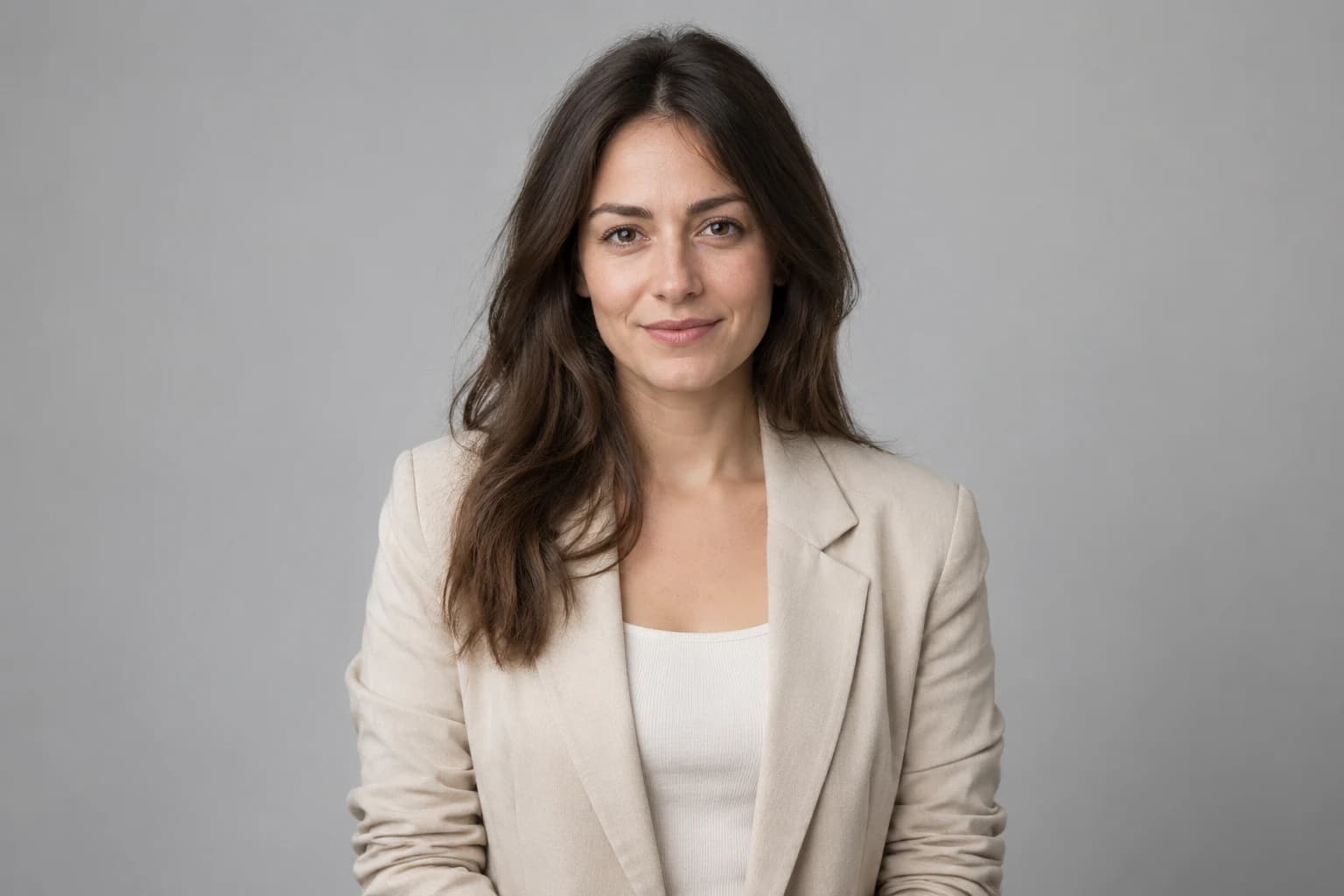

Try this idea
Start with a portrait
“Upload a photo and describe the change.”
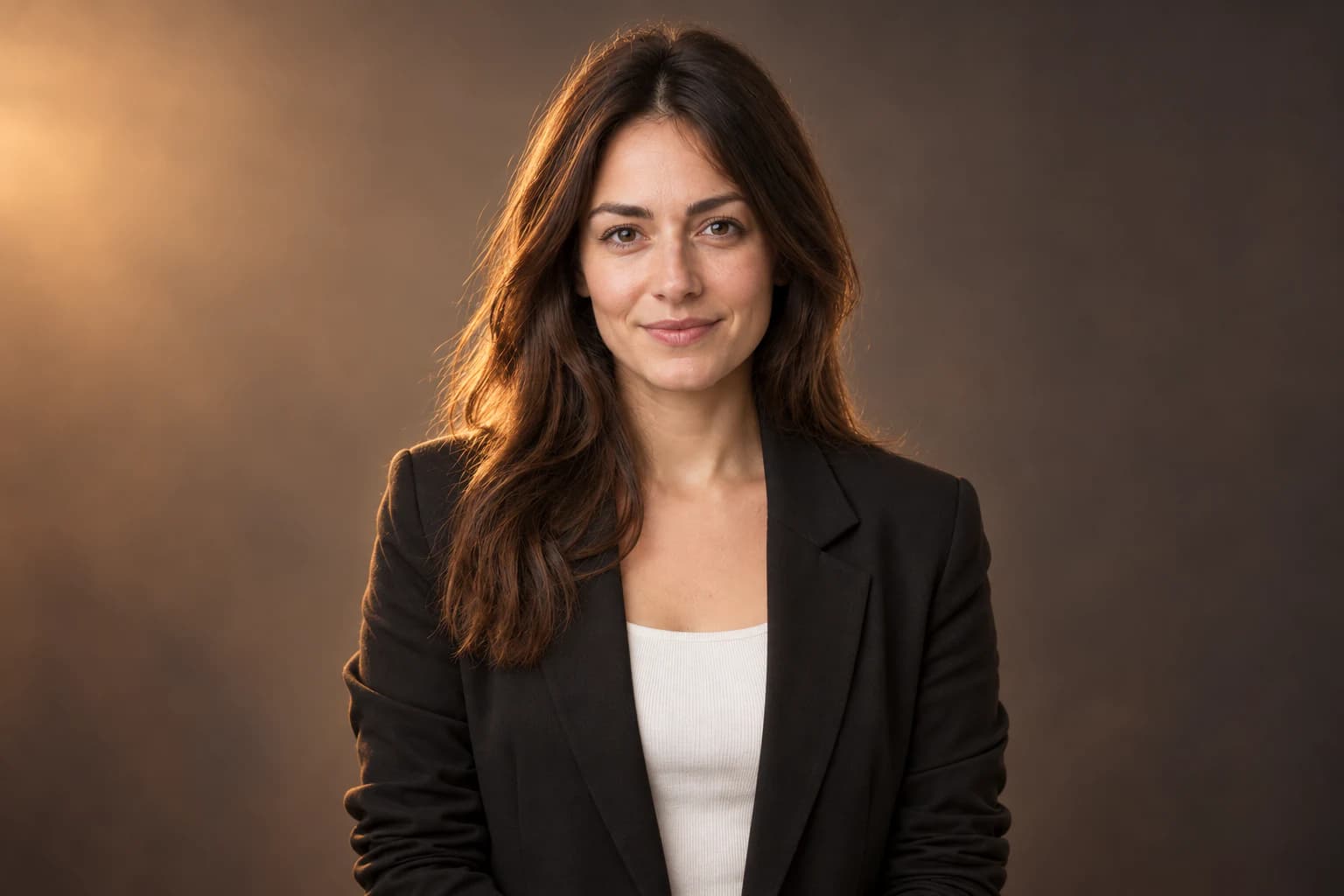

Try this idea
Refine the same image
“Keep the same person. Add warm light and a black jacket.”
Use a reference to keep the person or product you like while changing the setting, lighting, clothing, or composition. Check the result for details that matter to you.
Ask to keep the same person while adjusting lighting or clothing.

Use a product reference and ask to retain its shape, materials, and label.

Select a previous result in your conversation to take a different direction.
Turn a product reference into a studio shot or lifestyle scene. Describe the surface, camera angle, and light, then review the details before publishing.

Try this idea
A new setting for your product
“Put this product on a marble table. Keep its shape and label.”
Use background replacement to change the scene or ask for a clean studio backdrop. Continue editing to adjust shadows and make the lighting fit.
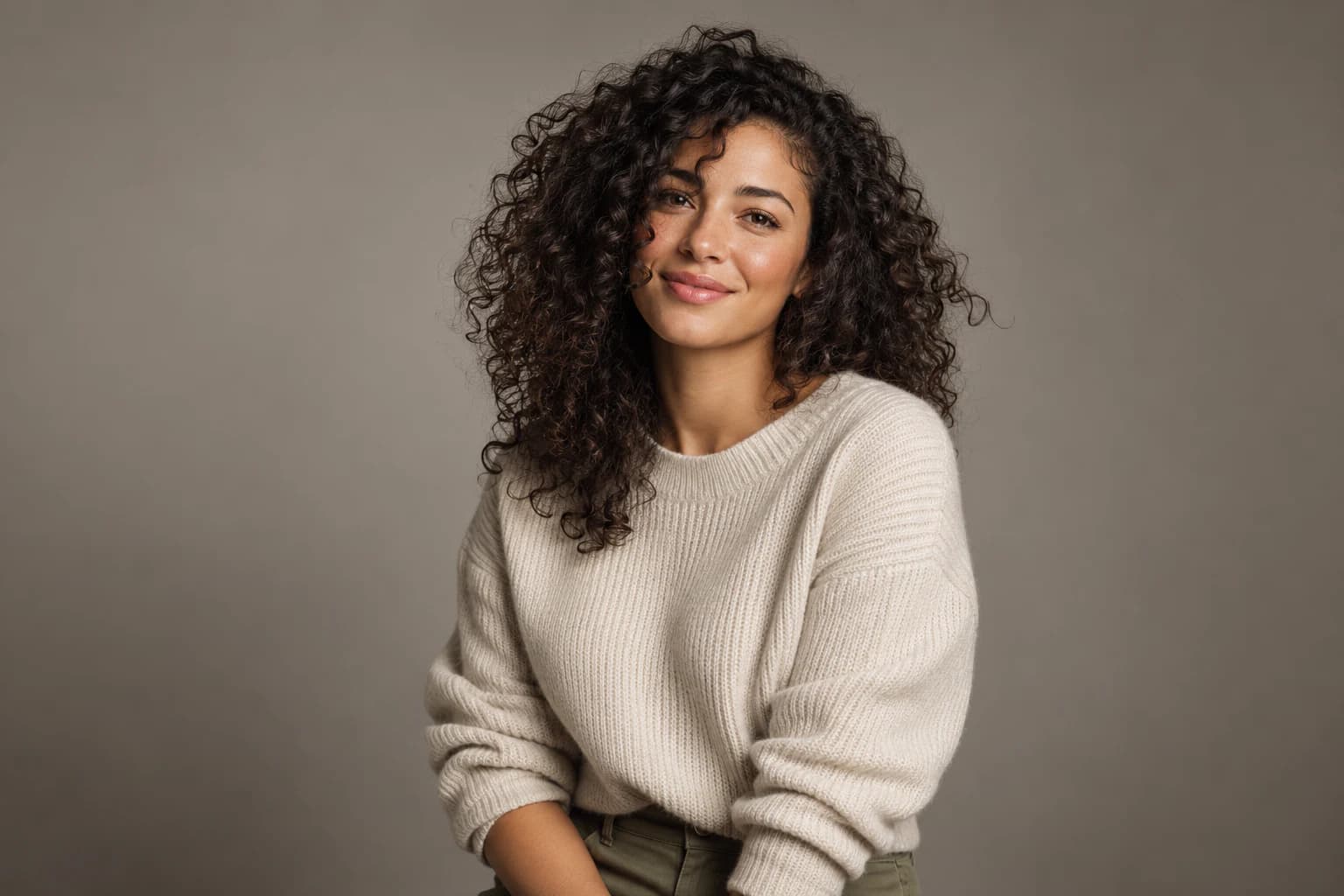

Try this idea
Background editing
“Replace the background with a warm gray studio backdrop.”
No complex prompt format. Just a clear request and a conversation.
Start with an idea for a new photo, or sign in and upload an image to edit.
The agent generates one image from your instructions. Review the subject and details.
Ask for a focused change, select an earlier result, or download the image you want.
An AI Portrait Generator, an AI Product Photo Generator, and a conversational AI Image Editor in one workspace.
Edit your profile photo with softer light, a simple background, or a different outfit.
Explore clean ecommerce images, studio setups, and lifestyle settings.
Move a subject to a different environment and adjust light to suit the scene.
Try wardrobe, composition, and location ideas using a reference image.
Describe a room, a view, or a time of day to create a photographic scene.
Create visuals for posts and campaigns, then refine framing and colors.
Explore directions for portraits, products, and everyday scenes. Use these examples as starting points for your own requests.
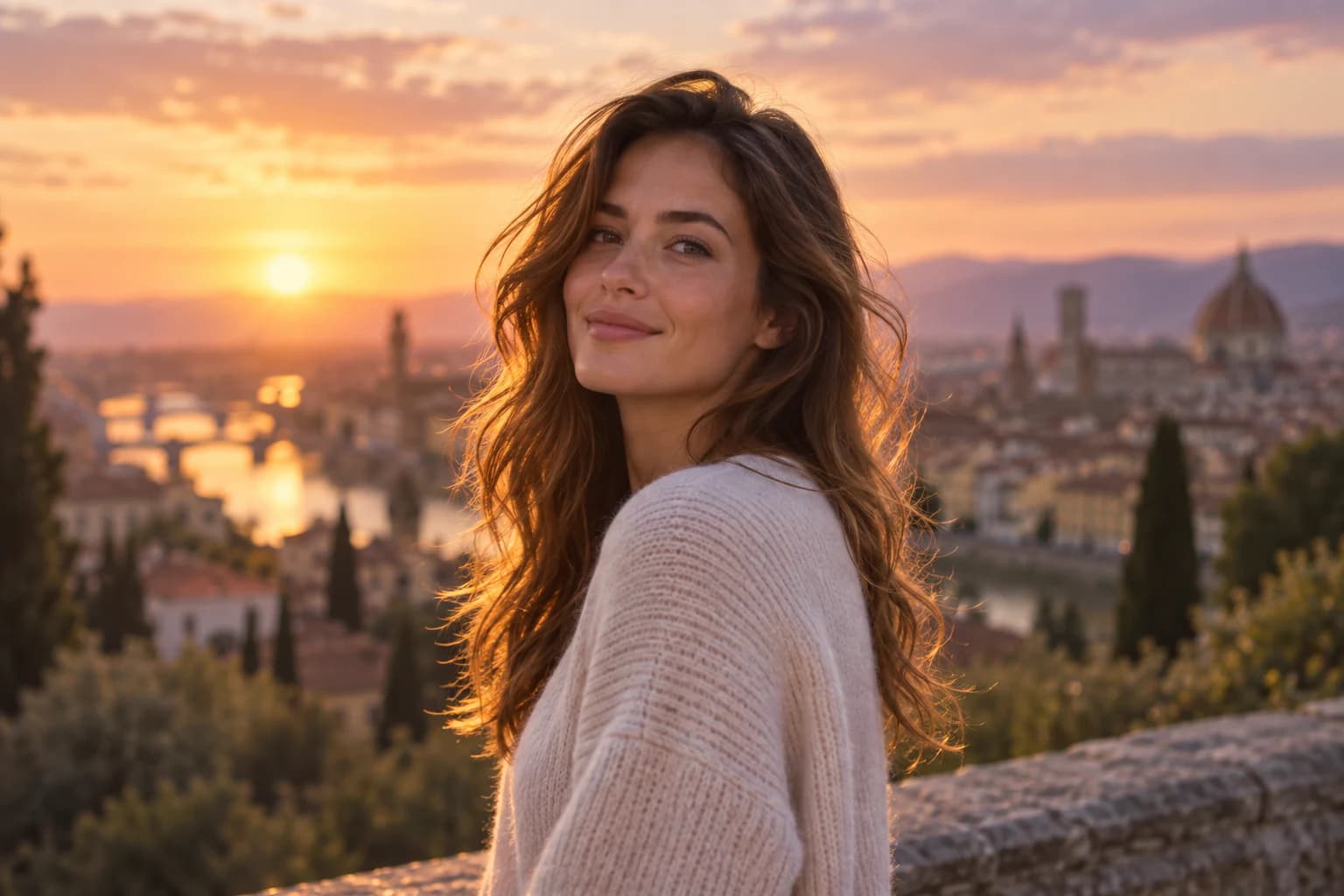
Try this idea
Cinematic portrait
“Create a cinematic portrait of a woman at sunset, with natural skin texture and soft light.”
Try this idea
Product photography
“Create a studio product photo of a glass perfume bottle on a marble table.”
Try this idea
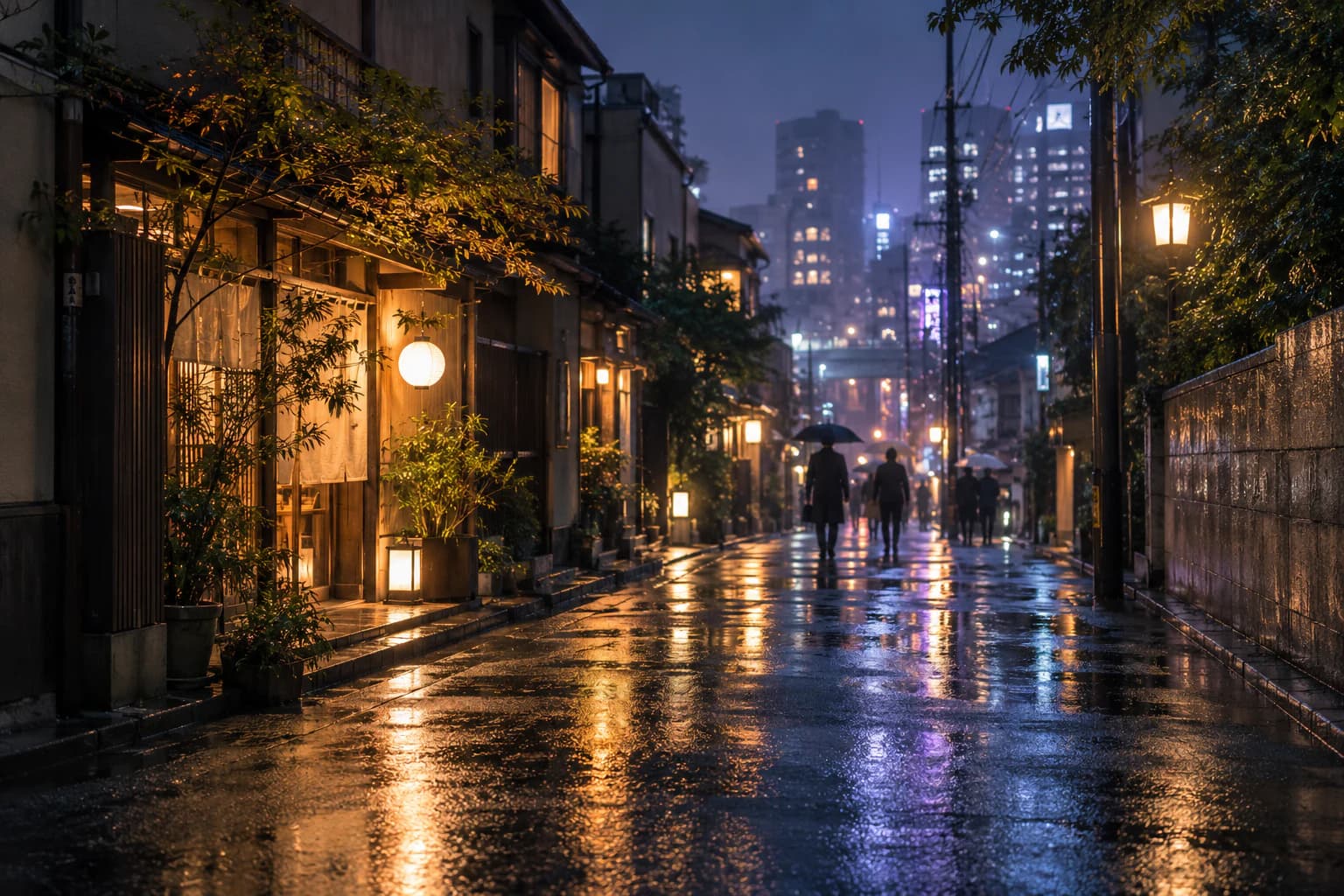
Night photography
“Create a realistic photo of a quiet Tokyo street at night, with rain reflections and warm shop lights.”

Try this idea
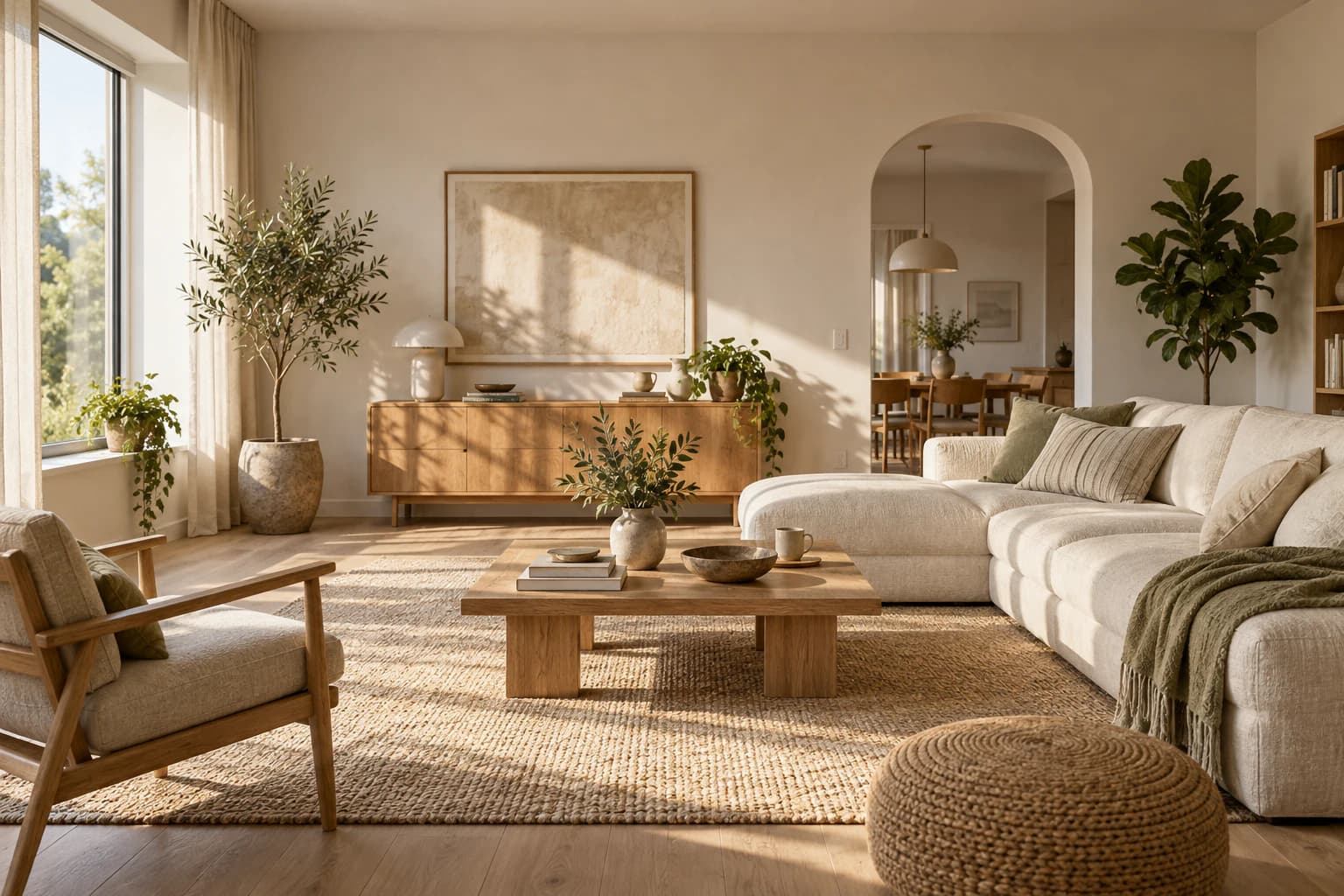
Interior photography
“Create a photo of a sunlit living room with oak furniture, linen curtains, and warm neutral colors.”
Try this idea
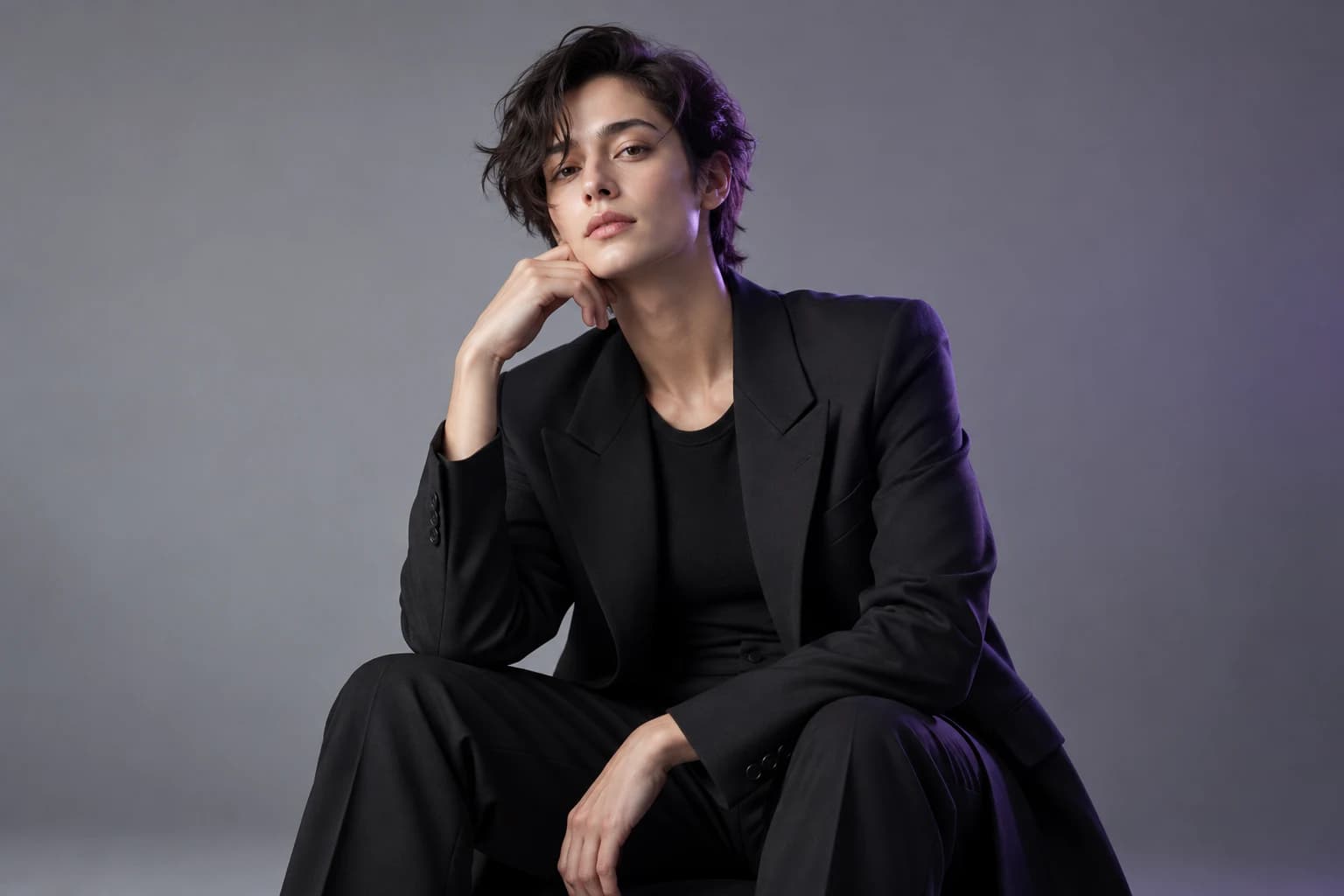
Fashion portrait
“Create a studio fashion portrait of a person in a black suit against a soft gray background.”
Choose a credit plan for creating and editing photos.
Credits are used for each generated or edited image. The amount depends on the operation and configured image quality. Continue refining a result one image at a time.
Billed annually: $95.90 (20% off)
For trying photo ideas and making occasional edits
Billed annually: $191.90 (20% off)
For creators who generate and edit photos regularly
Billed annually: $383.90 (20% off)
For frequent photo creation and larger creative projects
What to know about photo generation, reference uploads, conversational editing, and credits.
An AI Photo Generator creates images from a written description. Describe a subject, setting, and lighting to create portraits, product photos, landscapes, or other images.
PhotoAgent is a conversational AI Photo Generator and editor. It keeps your request and image history in one workspace, so you can generate an image and continue editing it through chat.
You can refer to the current image and ask for a focused change without rewriting the entire prompt. Select an earlier image when you want to return to that version.
Yes. Describe changes to lighting, clothing, composition, or backgrounds in everyday language. You can keep making adjustments to the result in the same conversation.
Yes. Sign in and attach a PNG or JPEG in the workspace. Tell the agent what to change, and use clear source images for more useful results.
You can ask the AI Photo Editor to remove a distracting background or replace it with a studio backdrop or a new setting. Check fine edges after editing. Transparent PNG output is not guaranteed in the current workflow.
Yes. Upload a product image and describe a surface, lighting setup, or lifestyle setting. Ask the agent to preserve product details, then check labels, logos, and proportions before using the result.
You can generate a portrait or edit your own photo for a professional profile. Ask for changes to lighting, clothing, or background while keeping the same person. Review the result for likeness and natural detail.
No special syntax is needed. Start with a clear sentence, then follow up with requests such as “Make the lighting warmer” or “Change the jacket to black.”
New accounts receive starter credits. Each generated or edited image uses credits; see Pricing for the current allowance and plans. No paid plan is needed to use your starter credits.
Yes. Ask for another version and continue one image at a time. Each generation uses credits. The current workspace does not create a batch of four images in a single request.
Describe an idea. Upload a photo. Make it yours, one edit at a time.
Start Creating Free

